 FlaskConnect™
Home › Apparatus gallery › Reaction mechanism (SN2)
Reaction Mechanism Diagram: SN2 (Curved Arrows, Lone Pairs, Inversion)
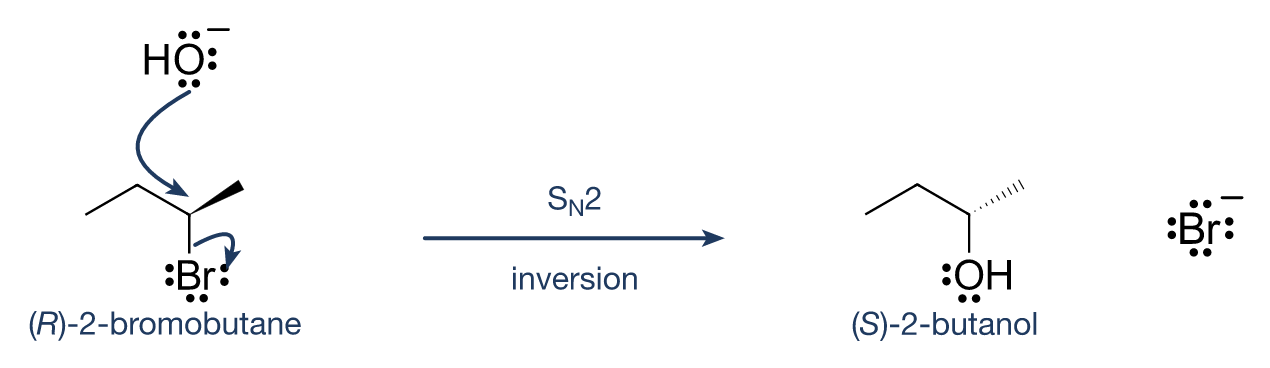
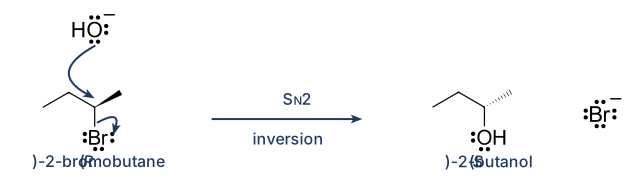
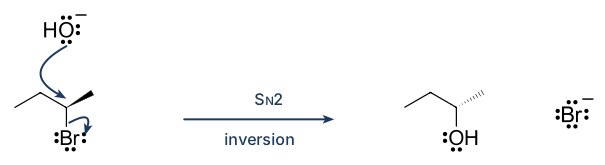
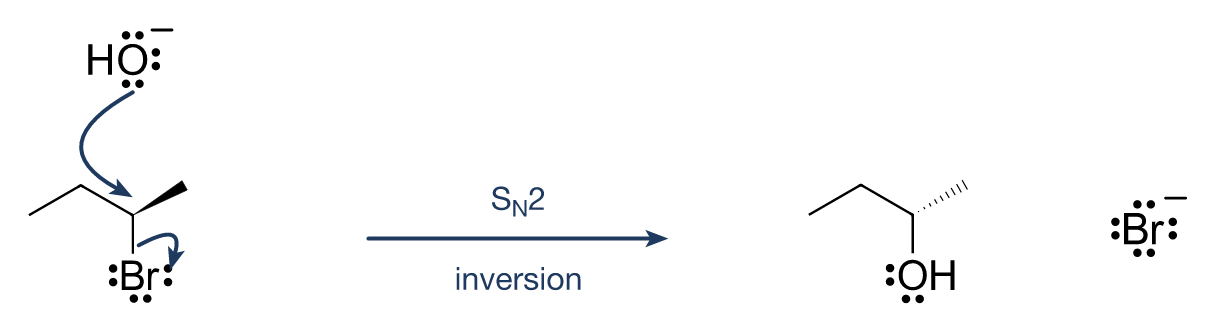
Hydroxide attacks the carbon of (R)-2-bromobutane from the side opposite the bromine, and the configuration inverts to give (S)-2-butanol. Lone pairs, charges, curved arrows and the reaction arrow are all on one figure.
Free to use without attribution in lab reports, theses, teaching materials, slides, supporting information and on the web, including modified and commercial use. Released under CC0 1.0 (public domain dedication). A mention of “made with FlaskConnect” is appreciated but not required.
Features used in this figure
- Structures from SMILES or names (wedges and hashes drawn automatically)
- Lone pairs and charges
- Curved arrows (adjust the bulge with handles)
- Text above and below the reaction arrow (subscript N with a button)
- Captions under structures ((R)-2-bromobutane, etc.)
How to draw it in FlaskConnect
- In the Structure tab, call up the reactant and product by SMILES (for example CC[C@@H](C)Br). Stereocenters are drawn with wedges and hashes.
- With the lone-pair tool, click O or Br to add one pair per click (three on the O of HO⁻, four on Br⁻).
- With the curved-arrow tool, drag from the lone pair to the carbon, and from the middle of the C–Br bond to Br. Fix the bulge with the handles.
- Draw the reaction arrow, double-click above it and type SN2 (press x₂ for the subscript N), and write “inversion” below.
- Select a structure and type its name as a caption.
Notation tips
- Curved arrows show electron movement: start at a lone pair (or bond) and point to the atom that receives the electrons.
- In SN2 the nucleophile attacks opposite the leaving group and the configuration inverts (Walden inversion). Here the priority order does not change, so R becomes S.
- A double-barbed arrow moves two electrons (a pair); a single-barbed (fishhook) arrow moves one.
Watch it built
Building this setup in FlaskConnect (with narration).
Draw this in the app
This figure was drawn in FlaskConnect. Call up structures by name or SMILES, and add lone pairs, curved arrows and arrow text (subscripts and superscripts with buttons) in place. Drawing structures and schemes is Pro (US$3.99/month, first month free, or US$39.99 once); apparatus drawing and export are free.