 FlaskConnect™
Apparatus diagrams and chemical structures, on one canvas.
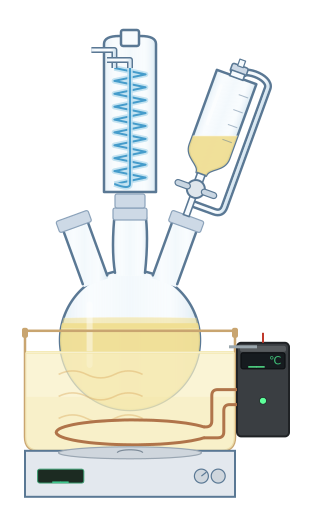
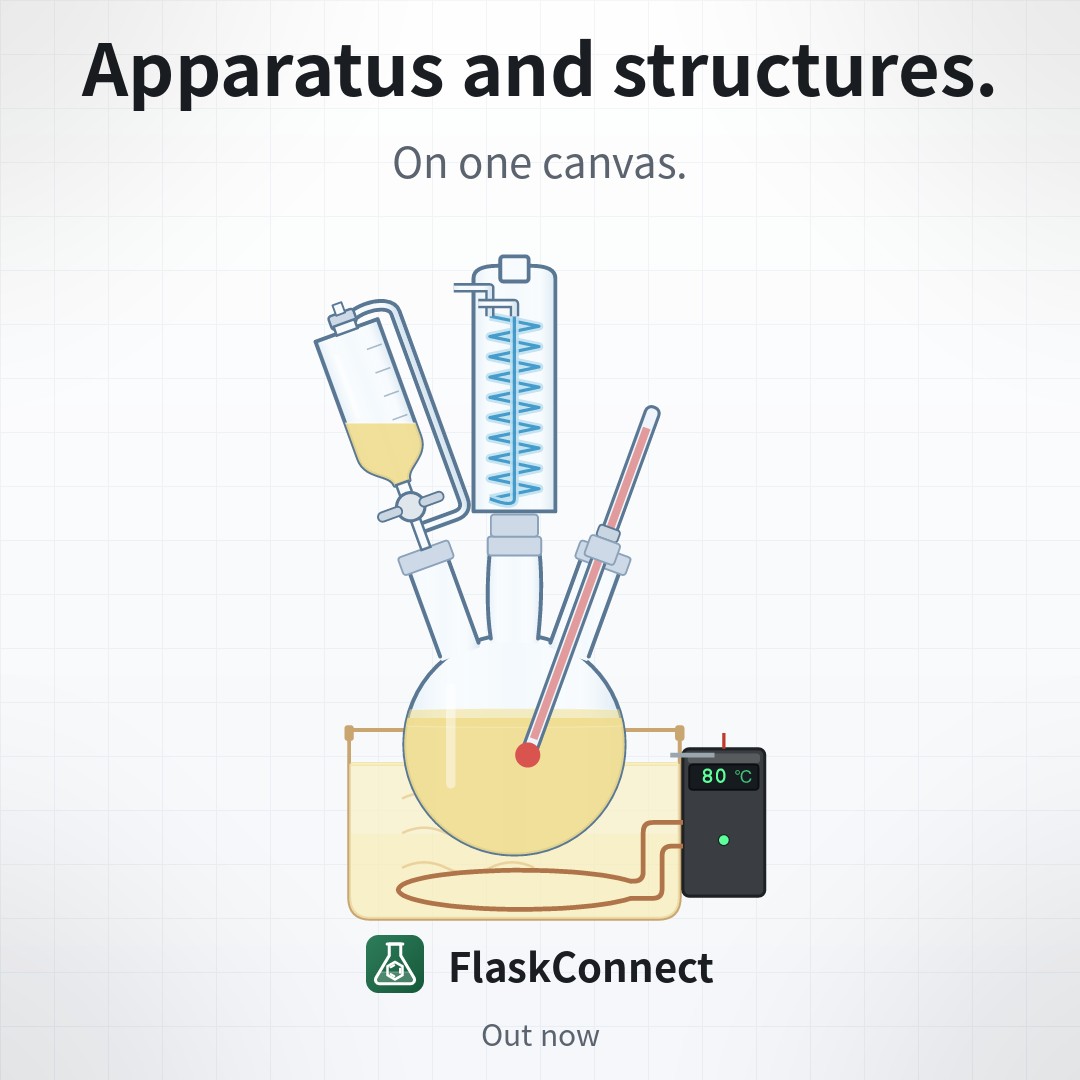
FlaskConnect™ is an app for students and chemistry researchers that draws glassware apparatus diagrams alongside chemical structures and reaction schemes in a single drawing. Everything from drawing to export happens on your own device.
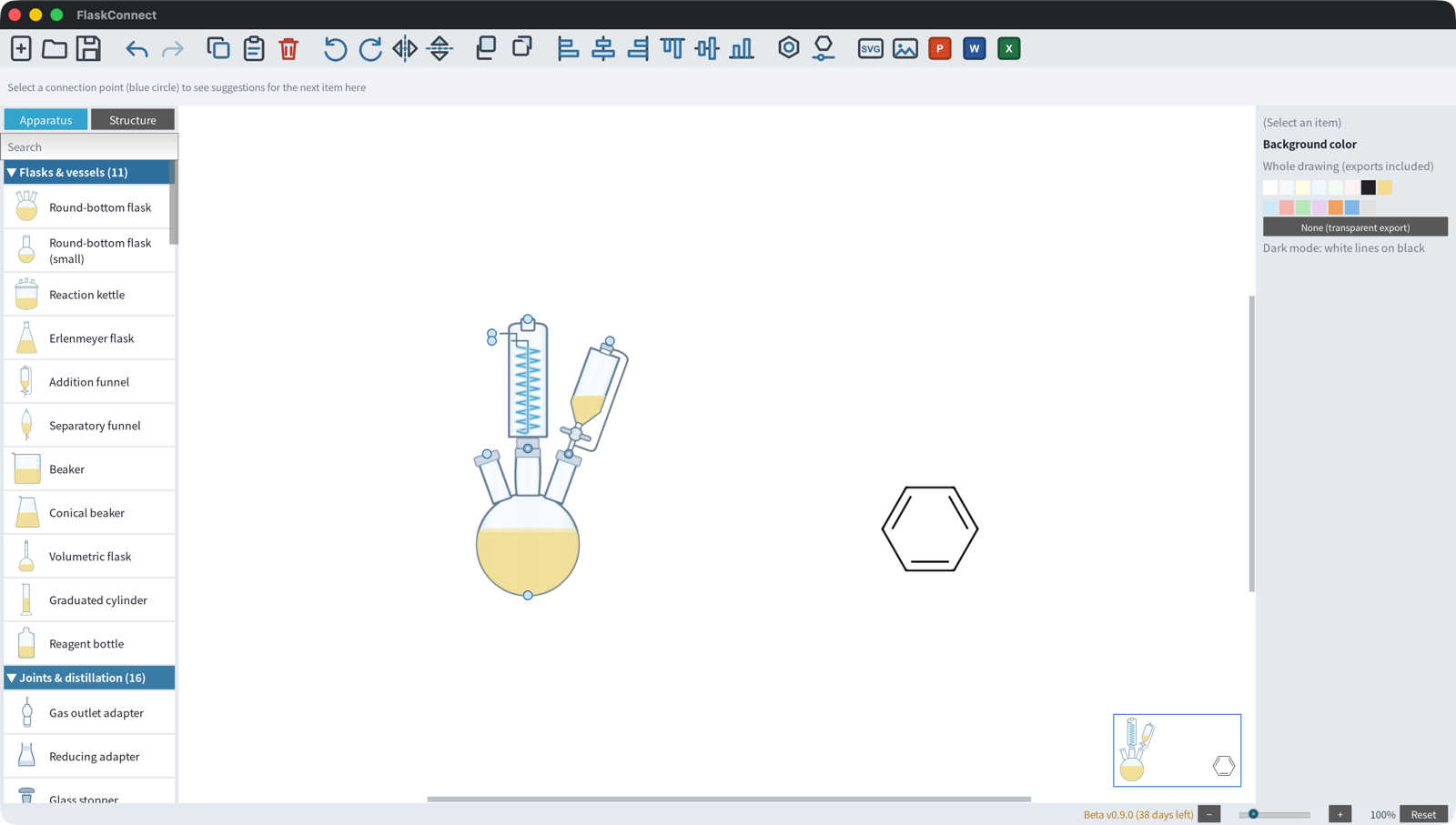
Don't drag glassware around — pick it, and it connects in place.
The free beta is out on Windows, Mac and iPad. Windows installs from the Microsoft Store, Mac and iPad through TestFlight. The beta runs until October 31, 2026, with every feature unlocked.
See it in 26 seconds
What it does
Apparatus diagrams, fast
Pick an item from the palette and place it. Click a connection point and the next item joins it automatically, so your tubing never drifts out of line. Size, fill level, color and the number of necks stay editable afterwards.
Your drawings stay yours
Drawing, rendering and export all run on your device. Your drawings are never sent to or stored on the developer's servers — the only network traffic is public-database lookups (PubChem) and a version check.
Structures with PubChem
Add a structure from a compound name, a CAS number or a SMILES string. A PubChem lookup brings in names and physical properties. Structure styling follows the ACS standard.
Export to Office
Export to SVG or PNG — and, on Windows and Mac, straight to PowerPoint, Word or Excel — then drop the result into a report, a thesis or a slide deck.
Synced through iCloud (Mac / iPad)
Documents move between your Mac and your iPad through your own iCloud account — never through the developer's servers — so you can carry on with the same drawing in the lab or at home. The Windows build saves to a folder on your PC and does not take part in this sync (the .chemc format is shared across all three platforms, so a copied file opens as-is).
Apple Pencil support
On iPad you draw with Apple Pencil or with your fingers: two-finger tap to undo, pinch to zoom — the whole workflow stays at your fingertips.
Export it, and it is the figure
Pricing
During the beta (now)
- Every feature unlocked
- Until October 31, 2026
- Documents you create (.chemc) carry over to the release version
Release version (planned)
- Free: all of apparatus drawing and export (plus iCloud sync on Mac / iPad)
- Pro: adds chemical structures and reaction schemes
The Pro price will be shown in your local App Store or Microsoft Store. The plans and prices for the release version are provisional and may change. Any change will be announced on this site.
Supported platforms
| Platform | Status |
|---|---|
| Windows 10 / 11 | Out now on the Microsoft Store (get it) |
| macOS 12 or later (Apple Silicon) | Out now on TestFlight (join) |
| iPadOS 15 or later | Out now on TestFlight (join) |
Joining the beta
- Open the join link
Opening the join link on the beta and quick start page is all it takes. There is no sign-up email to send (Windows goes through the Microsoft Store, Mac and iPad through TestFlight). - Install it and start drawing
During the beta every feature is free to use. - Send feedback
Use Help → Send Feedback in the app menu, or write to us by email. Everything we hear goes into the release version.
For step-by-step instructions, see the user manual (with real screenshots).
News
All news (posts from X @flaskconnect are shown here as news)